
UUIDs not working as row ids in DataTables 3
UUIDs not working as row ids in DataTables 3
 bg7
Posts: 135Questions: 21Answers: 0
bg7
Posts: 135Questions: 21Answers: 0
A while back I upgraded from DataTables 1 to 2 and ran into issues with row ids and escaping those strings. Allan and Kevin, you guys kindly helped sort through those issues.
The end result involved switching over to use UUIDs for all our row ids. I'm now in the process of upgrading to DataTables 3 and I'm running into problems using those UUIDs as row ids.
According to the documentation here:
https://datatables.net/ref/core/type/DataTable.RowSelector#string---#ID
it says:
"Unlike CSS this value does not need to be escaped"
Unfortunately that doesn't seem to be the behavior I'm seeing now. Instead I'm getting errors like this:

In the code it looks like it's trying to use it as a CSS selector (which won't work because it starts with a number):
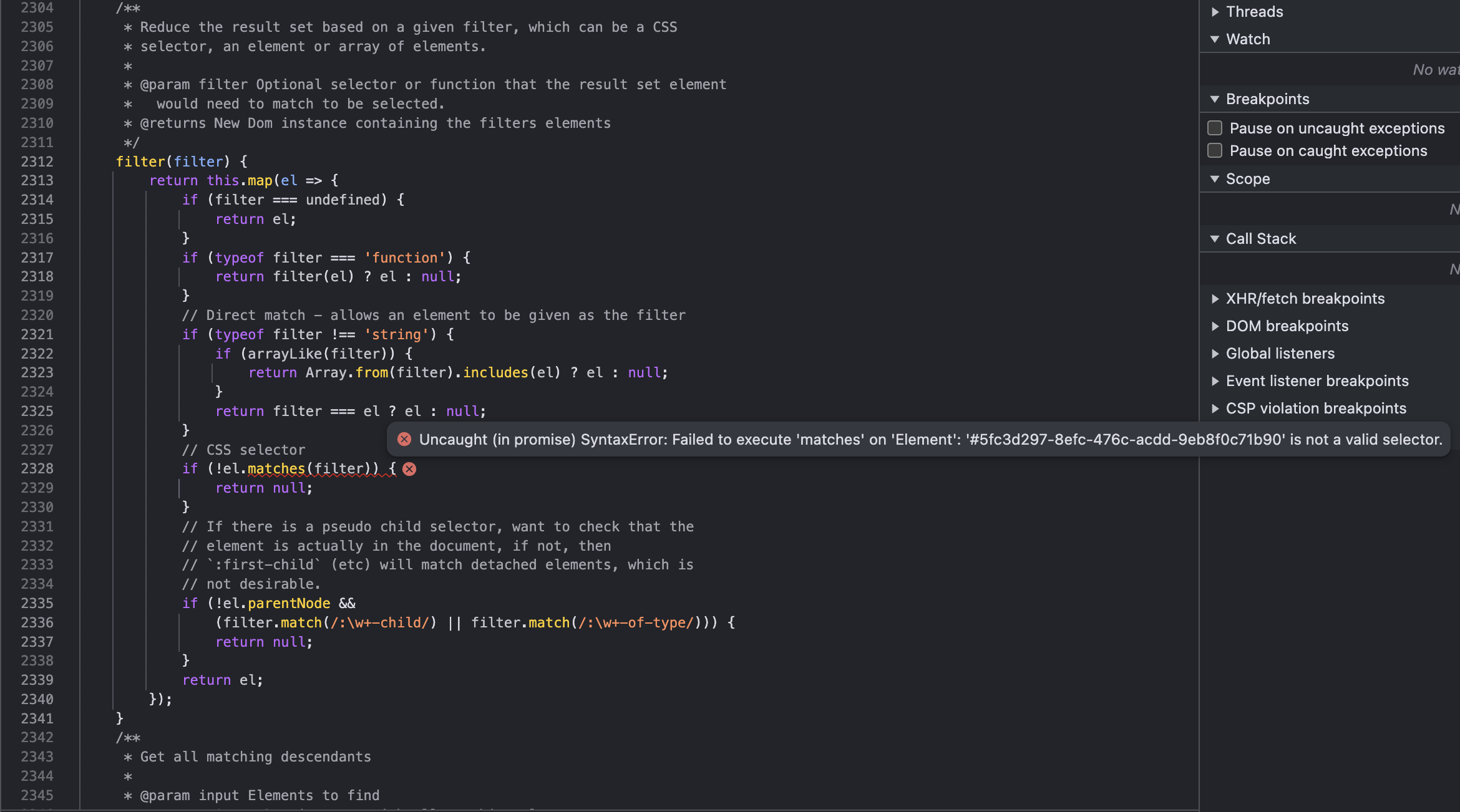
Also, I was playing around with those row lookups in the console and discovered that '#0' seems to look up row 0 which was unexpected as I figured it would fail as well but apparently not. Using other numbers, e.g. '#00' and '#1', throw errors.
I'm not sure if I'm missing something or using the API incorrectly or if this is a DataTables bug. Any advice would be appreciated.
Thanks.
Ben
Answers
Using UUID's works in this test case:
https://live.datatables.net/gujocipi/1/edit
Note the row id property used is
idand is defined usingrowId. If you remove therowIdoption then you will see the same error, for example:If you aren't using the
DT_RowIdproperty, which is the default Datatables looks for, then you will need to define the property usingrowId.If this doesn't help then please provide a test case showing the issue.
Kevin
Something must be running the uuid through
filter()as a DOM selector. @bg7 are you able to link to a test case showing the issue so I can track it down?Allan