
Safari issues on your website
Safari issues on your website
 craigh
Posts: 29Questions: 11Answers: 1
craigh
Posts: 29Questions: 11Answers: 1
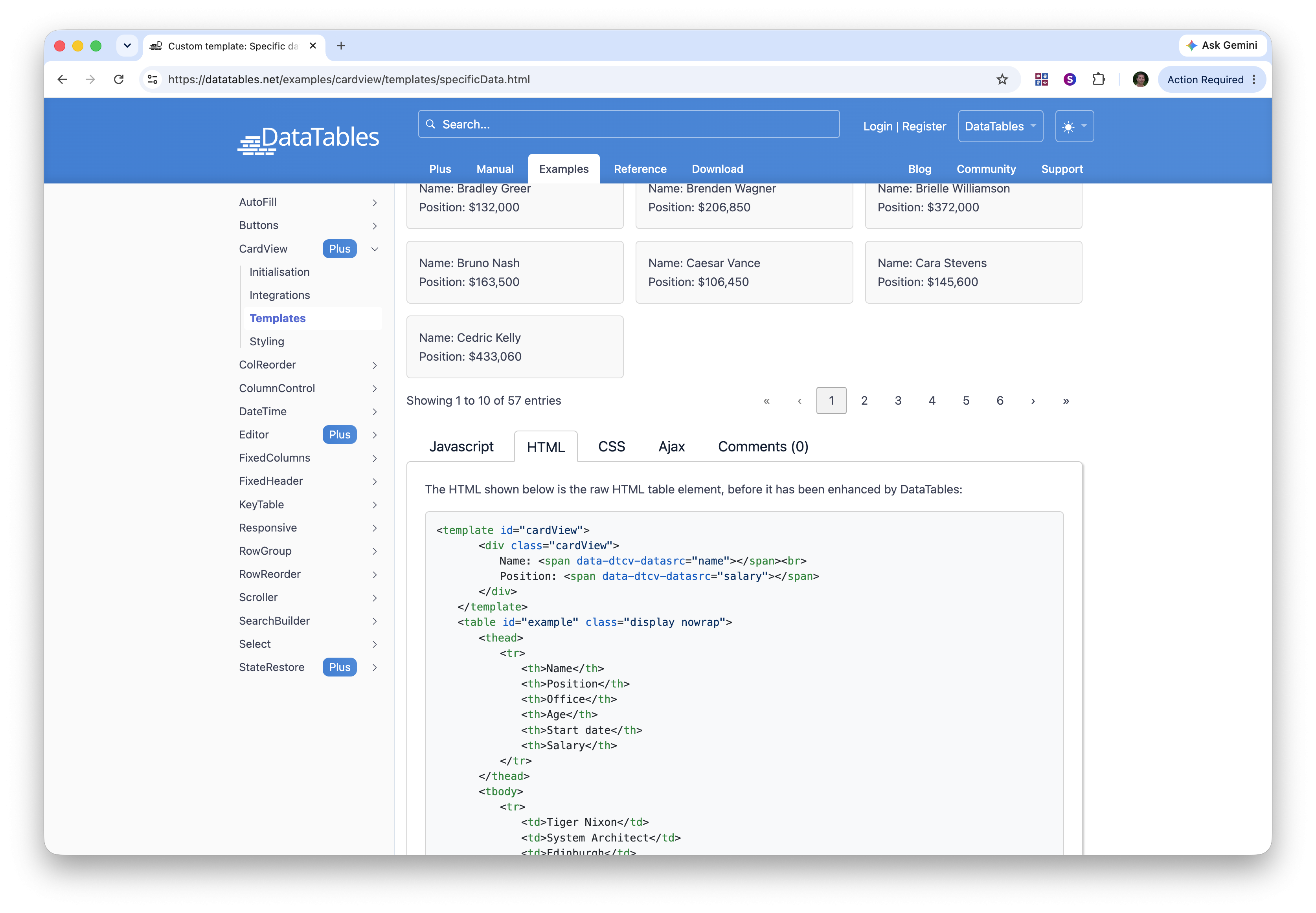
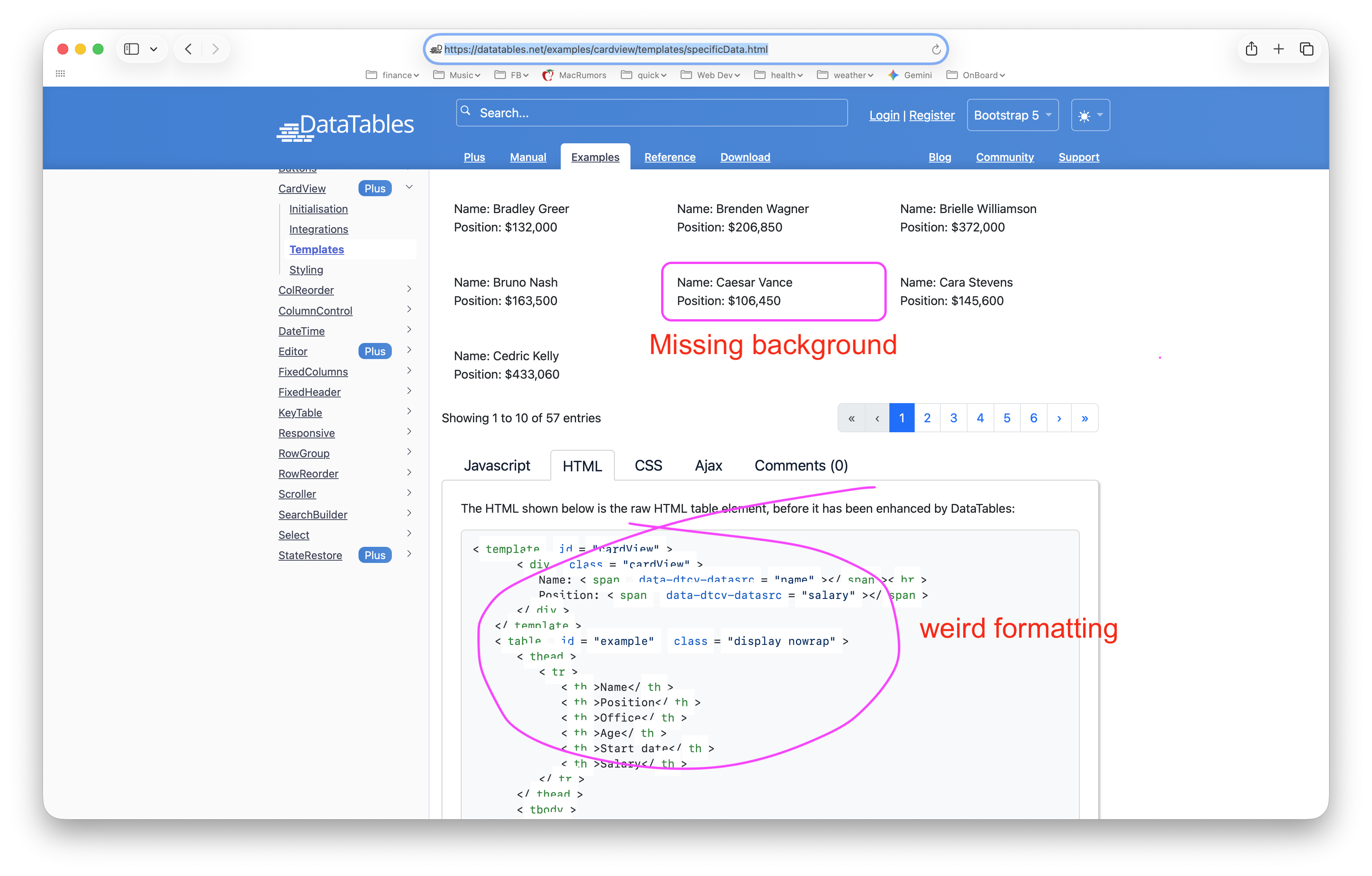
On the screenshots below, you can see some issues that Safari has with rendering your website. I've not yet looked to see if the background issue is really a problem with cardView or just your site. These are both https://datatables.net/examples/cardview/templates/specificData.html
This question has accepted answers - jump to:
Answers
Thanks for letting me know about these two errors! I don't have a Mac to hand at the moment, but I'll give it a try in BrowserShots and see if I can identify the issue.
Allan
If I can help somehow, I'm happy to do so.
@allan FYI - the HTML formatting on this page is ok.
I tried that page with Safari on my Mac and it looks ok:
https://datatables.net/examples/cardview/templates/specificData.html
I have Safari Version 26.6.2 (21624.5.1.11.3). Possibly Allan fixed the issue.
Kevin
These screenshots are really helpful, thank you. Like the shadow on them as well .
.
Looking at the latest one, I realised that the one showing the issue in your original post as the theme set to Bootstrap 5. The one where it is working, is the default DataTables theme. So the issue with the card view background isn't Safari specific, it is that I used some CSS variables for the custom CSS which aren't available in all themes! I've committed a fix for that now and it will be on the site soon.
The weird formatting in the code for the examples is also a conflict with the Bootstrap styling library when it is loaded. I will look at getting a fix for that in tomorrow!
Allan
I've just committed a fix for the syntax highlighting issue as well. I used the class
tableon the tab container, which Bootstrap was using to add styles to certain child elements! I'll deploy the updates to the site early next week.Thanks so much for letting me know about the issues.
Allan
Yeah!