
Buttons resize on Parent Child datatables example
Buttons resize on Parent Child datatables example
 lowrymel
Posts: 33Questions: 8Answers: 0
lowrymel
Posts: 33Questions: 8Answers: 0
in Responsive
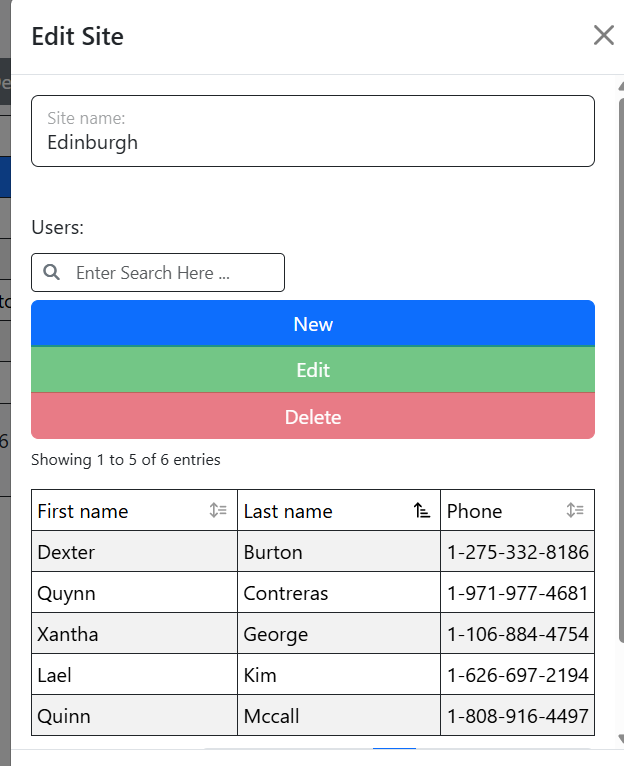
How would I stop the buttons on a resize in the Parent Child example from using all available space?
Example - this looks great
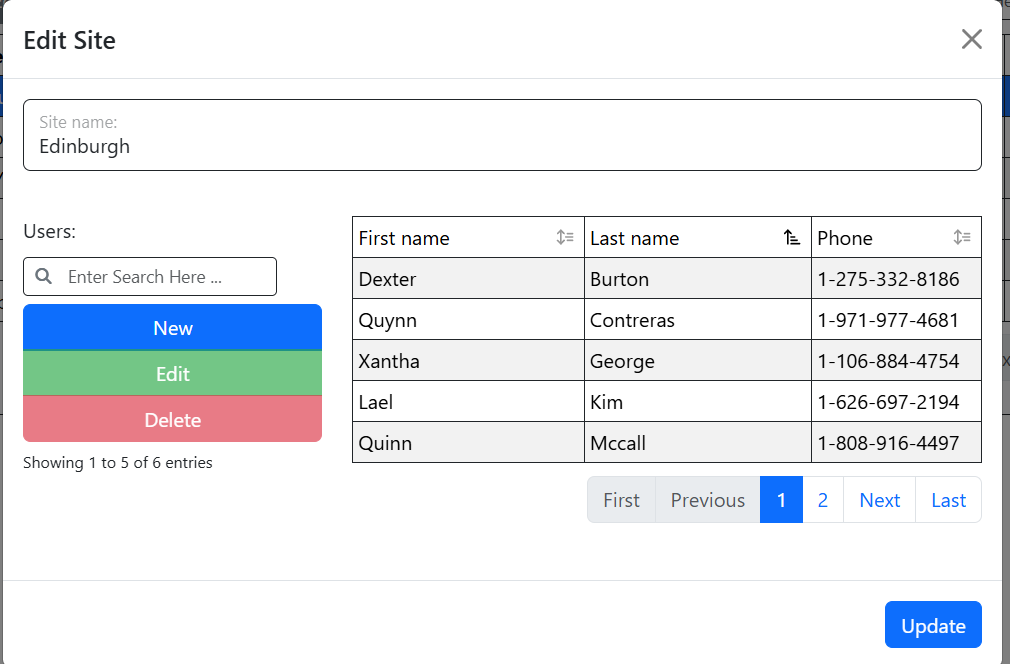
But this would look better (in my opinion) if the buttons maintained the same size in the previous screen clip and were displayed centered.
This question has an accepted answers - jump to answer
Answers
The Buttons are actually 100% width in both cases. The change is that the container gets suffled around from columns to what looks like rows.
So what you could do is add something like this to your CSS:
Allan
That works great. Thanks!