DataTable stuck on processing even if AJAX response is fine. It only shows the loading icon.
DataTable stuck on processing even if AJAX response is fine. It only shows the loading icon.
 drev20
Posts: 1Questions: 1Answers: 0
drev20
Posts: 1Questions: 1Answers: 0
Link to test case:
Debugger code (debug.datatables.net): ulolit
Error messages shown:
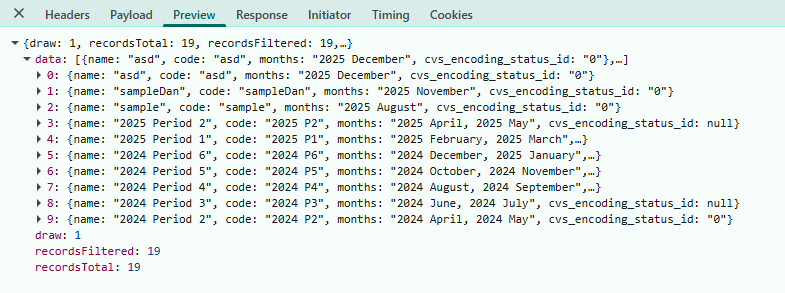
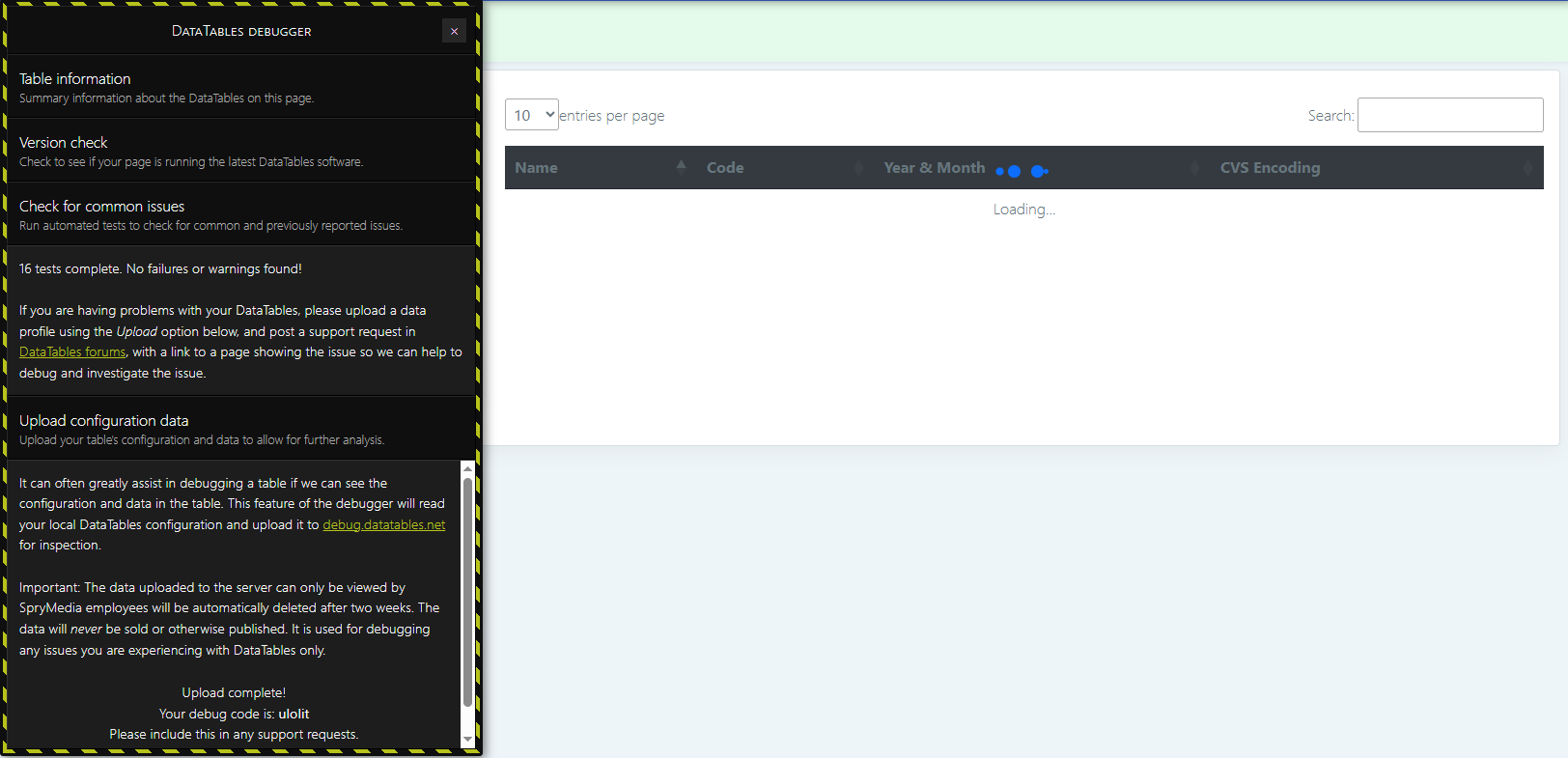
Description of problem:
I'm having a problem. DataTable stuck on loading/processing but it has ajax response. No errors but my DT is not loading any data. I'll provide my scripts here. Thank you.
Javascript:
var period_management_DT = $('#tablePeriod').DataTable({
        'serverSide': true,
        'info' : true,
        'processing' : true,
        ajax : {
            url: "<?php echo base_url('cvs/Period_management/generateAllPeriods'); ?>",
            type: 'POST',
            data: function (d) {
                return {'_pmData' : d}
            },
            success : function (data) {
                console.log(data);

            },
            error: function (err) {
                console.log(err);

            }
         },
        'columns' : [
            {data: 'name'},
            {data: 'code'},
            {data: 'months'},
            {data: 'cvs_encoding_status_id'}
        ],
        columnDefs: [
                {
                "defaultContent": "-",
                "targets": "_all"
                }
        ]
    });
Server-side:
public function generateAllPeriods () {
        $postData = $this->input->post('_pmData');
        $draw = intval($postData['draw']);
        $start = intval($postData['start']);
        $length = intval($postData['length']);
        $pm_model = new PeriodModel();
        $data = $pm_model->get_periods_with_months_2($start, $length);

        $resData = array();

        foreach ($data[0] as $d) {
            $resData[] = array (
                'name' => $d['name'],
                'code' => $d['code'],
                'months' => $d['months'],
                'cvs_encoding_status_id' => $d['cvs_encoding_status_id']
            );
         }

        $output = array(
            'draw' => $draw,
            'recordsTotal' => $data[1],
            'recordsFiltered' => $data[1],
            'data' => $resData
        );
       // echo json_encode($output);
       echo json_encode($output);
    }
Edited by Allan - Syntax highlighting. Details on how to highlight code using markdown can be found in this guide.
Answers
Possibly you need to remove the
successfunction from theajaxoption. Theajaxdocs state this:Let us know if removing the
successfunction resolves the issue.Kevin
I have this on my side and it works fine:
try just returning the actual response like:
I also use
dataSrc:notdata:ajax.dataSrcandajax.dataare two different things. The first tells DataTables where to find the data array in the returned JSON, while the second says what data should be sent to the server-side for each new Ajax request.Allan